Understand Projects and Stop Wasting Time with AI
You're opening a new chat, uploading the same files, writing the same context paragraph for the third time. The thing that fixed it was Projects.

You're an FP&A analyst, it's month-end, you're opening a new chat, uploading the same files, writing the same “context” paragraph for the third time and you think “damn I thought this AI thing would just do my job for me, not ANOTHER thing I’m expected to do and use…”
Or maybe you’re trying to draft your Board presentation and think “surely there’s a way to make this easier with AI” but don’t quite know how.
I've been there. The thing that fixed it was Projects. Once I learnt how to use Projects properly my experience using AI completely changed. I have less “AI fatigue” and friction using AI now.
Think of it like building a dedicated file room for a specific client - everything you need is already there, the AI knows the context, and you never start from scratch. Projects are just dedicated workspaces where you can compile your reports, Excel/CSV files, JSON, whatever and draft custom Instructions on how you want the AI to respond to use in this space. If you’ve used ChatGPT or Claude you’ll have seen them on the left pane of both applications:
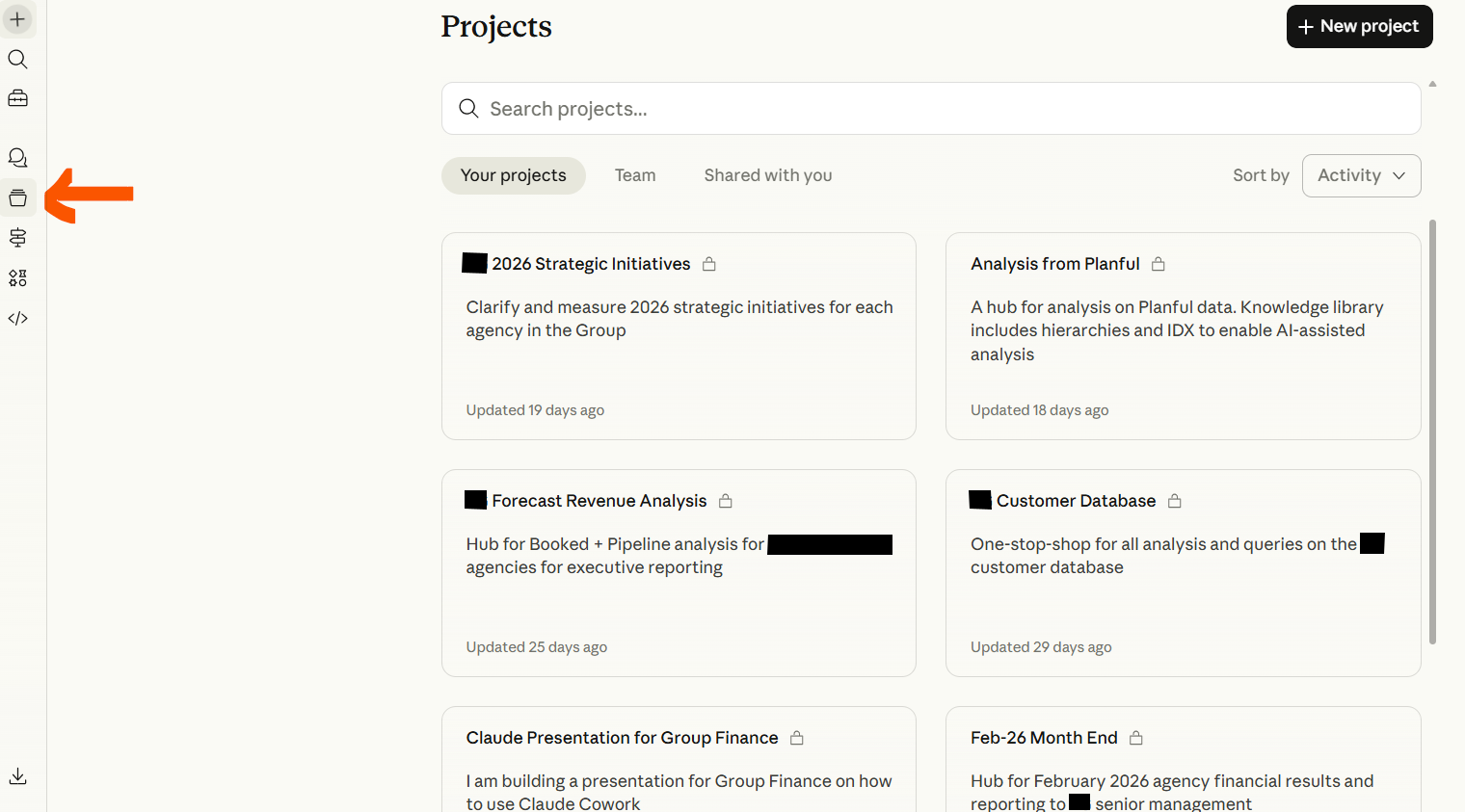
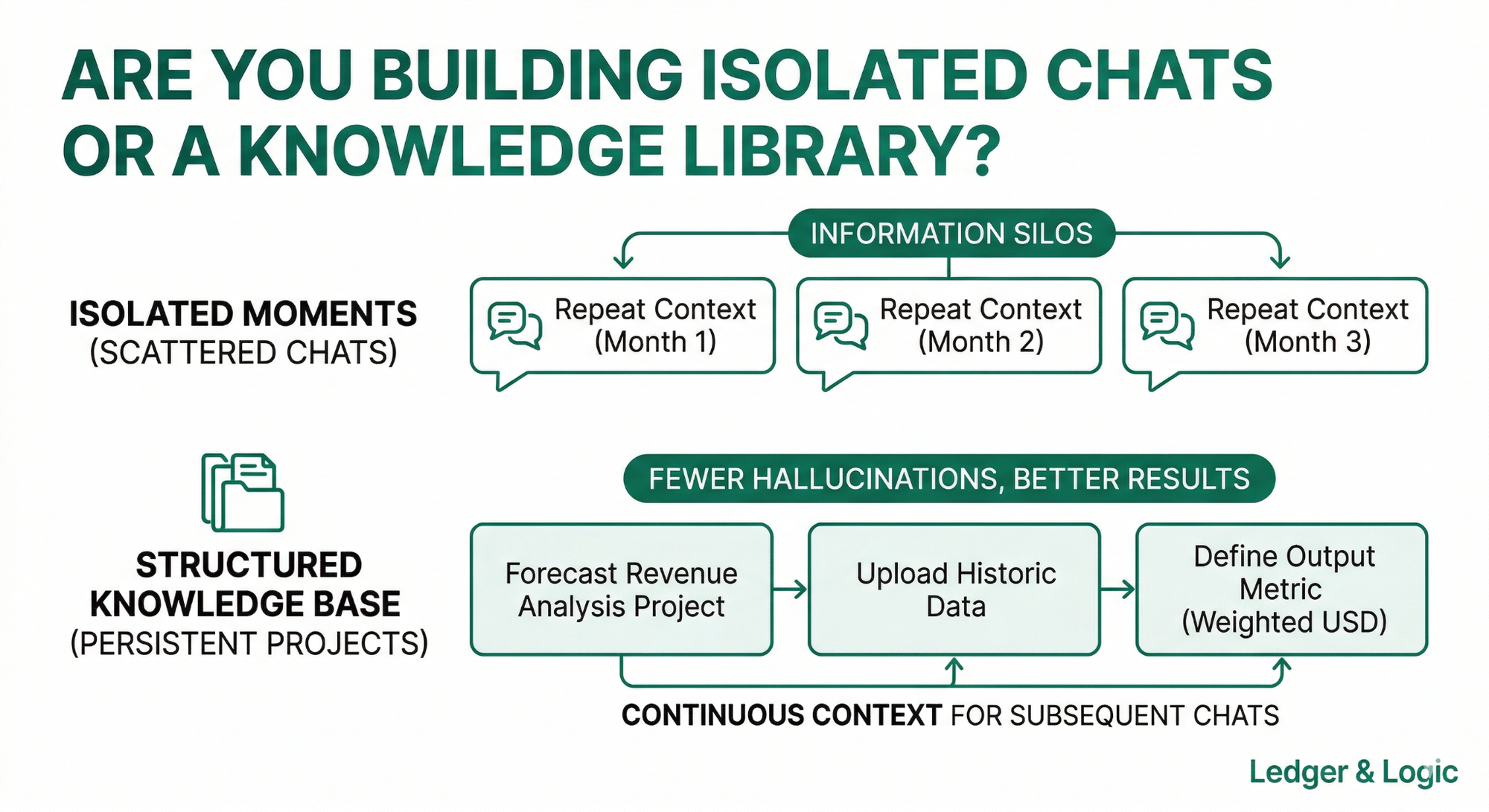
Instead of multiple scattered one-off chats and prompting the same thing over and over again you build a context library where only the information within the Project is used, so you get more relevant answers and fewer hallucinations compared to not using them. Each Project also builds memory so every chat can be referenced by subsequent chats in the space.
For example, working in FP&A we wanted to present in our monthly financial results deck to the executive team how forecasts have changed over time. I created a Forecast Revenue Analysis project where I upload the historic pipeline CSV datasets and the most recent consolidated forecast revenue dataset.
For the instructions I told the AI what I included in the Project Files and what kind of output metric I wanted returned (Weighted USD in my example) with a caveat of “unless otherwise specified.”
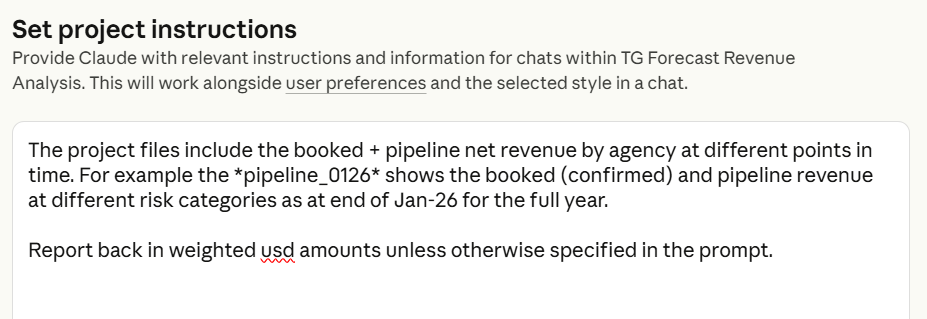
From then I could easily generate text answers, tables and charts from questions like:
- "What changed in the full year revenue overview for Company X from last month and what customers drove this?"
- "Prepare a bridge for forecast Q2 revenue from the forecast from December last year to the February forecast this year".
I've also created Projects with knowledge of individual companies in the Group. For example, a French subsidiary. Because I don't speak french I just upload trial balances, and other reports from their accounting system in addition to relevant context about them like from due diligence reports. Then I could ask about how the company records financial transactions that comply with French accounting standards and I have an assistant that can help with anything like mapping a new chart of accounts to the EPM system.
Using another example, I created a Project for the FY2026 Budget. I uploaded the budget directive from our CFO, board minutes and presentations to enable me to understand how to plan the budget process, what we needed to focus on, and draft communication to the budget owners. If I ever got confused how to do something or draft a comms on anything related to the budget I could run it past a prompt in the Project.
The benefit of thinking in projects extends beyond just AI. The discipline of asking 'what's the context, what's the goal, what's the output?' before opening a chat is actually just good project management, and that thinking transfers everywhere.
So here's your starting point:
- Write down three recurring tasks you do in your job (and share them in the chat!)
- Pick one
- Open ChatGPT or Claude and build your first Project around it (and tell me how it goes!)
Until next time,
Timon